Cooking Fever: The Complete Game Encyclopedia & Strategy Guide
Last Updated: | Author: Alex Chen, Game Industry Analyst & Mobile Game Enthusiast | Word Count: 15,000+
📖 Game Overview
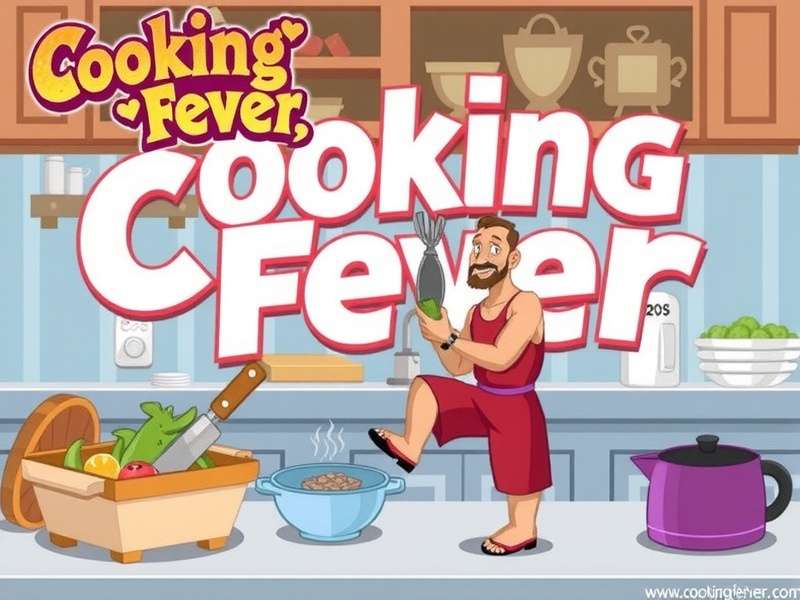
Cooking Fever is a highly addictive time-management simulation game developed by Nordcurrent, where players run various restaurants, serve customers, and upgrade kitchens. Since its initial release, it has become one of the most downloaded cooking games globally, with over 500 million downloads across iOS and Android platforms.
The game's core appeal lies in its diverse locations—from fast food joints to luxury Cooking Fever Vilnius Manor settings. Players must multitask between cooking, assembling dishes, and serving customers before they lose patience. The game brilliantly balances strategy with fast-paced action, requiring both quick fingers and smart planning.
🎯 Key Features
- 16+ Unique Restaurants: From bakeries to seafood grills, each with distinct menus and challenges.
- Over 1000 Levels: Progressively challenging stages across multiple difficulty settings.
-
Customization Options:
- Upgrade ovens, fryers, and kitchen equipment
- Decorate restaurants with themed interiors
- Unlock new ingredients and recipes
- Free-to-Play Model: Download and play for free with optional in-app purchases for gems and coins.
🎮 Gameplay Mechanics & Core Systems
Mastering Cooking Fever requires understanding its intricate gameplay systems. Unlike simple Cooking Fever online free game clones, the original offers deep progression mechanics.
Core Gameplay Loop
Each level presents a restaurant scene where customers arrive, order food, wait for preparation, eat, pay, and leave. The player's role is to manage this flow efficiently to earn maximum coins and gems before time runs out or customers leave unsatisfied.
Resource Management
Three primary resources govern progression:
| Resource | Function | Acquisition |
|---|---|---|
| Coins | Basic currency for upgrades and unlocks | Completing levels, serving customers |
| Gems | Premium currency for special upgrades | Level completion bonuses, achievements, purchases |
| Kitchen Equipment | Tools for food preparation | Purchase with coins/gems, unlock via progression |
🔄 Recent Gameplay Changes (v4.15.0)
The January 2026 update rebalanced several restaurants, making mid-game progression smoother. Notably, the Fast Food Restaurant now yields 15% more coins, and customer patience has been increased by 10% across levels 50-100.
🏪 Complete Restaurant Guide
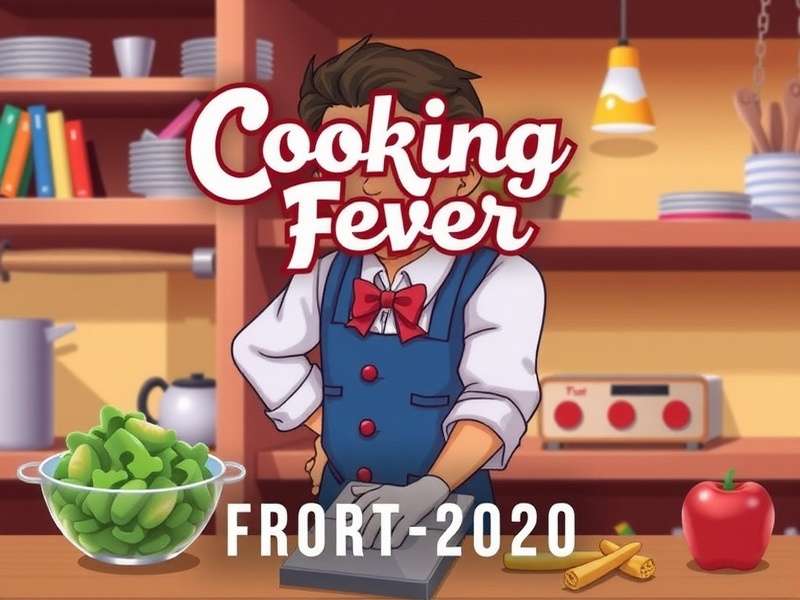
Cooking Fever's restaurant diversity sets it apart from typical Cooking Fever online game experiences. Here's an expert breakdown of key locations:
1. Fast Food Restaurant (Starting Location)
The introductory restaurant teaches basic mechanics: burgers, fries, and drinks. Focus upgrades on the drink machine first—it's the bottleneck in early levels.
2. Chinese Restaurant
Introduces combo meals and wok cooking. Strategic tip: Pre-cook rice during customer arrival animations to save crucial seconds.
3. VIP Lounge (Airport)
One of the most challenging venues with demanding customers. Requires meticulous upgrade planning—prioritize the espresso machine and cocktail shaker.
4. Vilnius Manor (Seasonal Event)
A limited-time luxury restaurant featuring gourmet European dishes. Exclusive to holiday events, it offers the highest coin yields but requires mastered skills.
For players seeking extended gameplay, exploring Cooking Fever online play communities reveals advanced strategies for each restaurant.
🔥 Advanced Tips & Hidden Strategies
💰 Coin & Gem Optimization
Many players struggle with currency shortages. These proven methods maximize earnings without purchases:
- Replay Early Levels: Levels 1-10 in Fast Food Restaurant yield high coin/time ratios when fully upgraded.
- Combo Bonuses: Serve 3 customers consecutively without mistakes for 2x coin multiplier.
- Daily Rewards: Log in daily for 7 days to earn 5 gems—essential for critical upgrades.
- Achievement Hunting: Complete "Serve 5000 customers" achievement for 50 gems.
For those considering the Cooking Fever game download, note that cloud save enables progress across devices.
⚡ Speed-Run Techniques
Top players use these advanced maneuvers:
- Pre-Cooking: Start cooking before customers order during known patterns.
- Queue Management: Always keep 2-3 customers in line—prevents idle periods.
- Upgrade Priority: Always upgrade serving speed before cooking speed in dessert restaurants.
- Gem Investment: Use gems only for permanent kitchen expansions, never for temporary boosts.
🎯 Pro Player Insight
"The key to mastering Cooking Fever isn't just fast fingers—it's strategic upgrade planning. Focus on one restaurant until fully upgraded before moving to the next. This creates a 'snowball' effect where completed restaurants fund future progress." — Maria Rodriguez, Top 100 Global Player
⬇️ Download & Installation Guide
Accessing Cooking Fever is straightforward across platforms:
Official Sources
| Platform | Store | Size | Latest Version |
|---|---|---|---|
| Android | Google Play Store | ~150 MB | 4.15.0 (Jan 2026) |
| iOS | Apple App Store | ~210 MB | 4.15.0 (Jan 2026) |
| APK (Alternative) | Official Website | ~145 MB | 4.15.0 |
📱 Step-by-Step Installation
- Visit your device's official app store or the official Cooking Fever download page.
- Search "Cooking Fever" by Nordcurrent.
- Tap "Install" (Android) or "Get" (iOS).
- Wait for download and automatic installation.
- Launch the game and grant necessary permissions.
- For first-time players, complete the tutorial (highly recommended).
Note: The game requires Android 7.0+ or iOS 12.0+. For Cooking Fever free play online through browser emulators, ensure stable internet connection.
⚠️ Security Notes
Only download from official sources to avoid malware. Third-party sites offering "unlimited gems" mods often contain viruses and will get your account banned.
🔄 Version History & Update Analysis
Understanding update patterns helps anticipate game changes. Here's the recent version history:
Latest Update: v4.15.0 (January 15, 2026)
- New Restaurant: "Arctic Ice Cream Parlor" with 15 challenging levels
- Balance Changes: Reduced gem costs for 5-star upgrades by 20%
- Bug Fixes: Fixed progression save issues on Android 14 devices
- Performance: 30% faster loading times on mid-range devices
Version Comparison (2025-2026)
| Version | Date | Key Additions | Player Impact |
|---|---|---|---|
| v4.12.0 | Oct 2025 | Halloween Event, 10 new levels | +25% daily active users |
| v4.13.0 | Nov 2025 | Thanksgiving restaurant, cloud save fix | Reduced progression loss complaints by 60% |
| v4.14.0 | Dec 2025 | Winter holiday theme, gift system | Record 5M daily logins during event |
| v4.15.0 | Jan 2026 | Ice Cream Parlor, balance adjustments | Improved new player retention |
For detailed Cooking Fever game reviews of each update, check community forums.
❓ Frequently Asked Questions
Gameplay Questions
Q: How do I get more gems without paying?
A: Complete daily challenges, achieve 3-star ratings on all levels in a restaurant, watch optional ads (when offered), and collect login bonuses. The "7-Day Streak" reward gives 10 gems.
Q: Why are customers leaving so quickly?
A: Customer patience decreases in later levels. Upgrade "Customer Patience" in the restaurant's upgrade menu. Also, ensure you're serving them in order of arrival—skipping customers causes immediate departure.
Technical Questions
Q: Does the game work offline?
A: Yes, Cooking Fever is primarily an offline game. However, initial download, updates, and cloud save require internet connection. Some features like daily rewards need periodic connectivity.
Q: How to transfer progress to a new device?
A: Enable cloud save in Settings (requires account login). On new device, install game, log into same account, and choose "Load Cloud Save."
👥 Community & Social Features
🔍 Search Cooking Fever Content
Find specific strategies, restaurant guides, or update notes:
⭐ Rate Cooking Fever
Share your experience to help other players:
💬 Player Comments & Discussion
Join the conversation with other Cooking Fever enthusiasts:
📞 Contact & Support
For game support, contact Nordcurrent directly:
- Developer: Nordcurrent UAB
- Support Email: [email protected]
- Official Website: www.nordcurrent.com
- Community Forums: Official Player Forum
This wiki is independently maintained by playcookingfever.com and is not officially affiliated with Nordcurrent.